The short answer
Burning Bridges AI, in one paragraph
Burning Bridges AI is the trend where one photo of you replaces the lead in the party scene from Drake's "Burning Bridges" video: a dim private dining room, chandeliers, a crowd, a metal cup, the point into the room and the wave at the camera. On this site you add one clear, front-facing photo and get a 15-second clip in 16:9 with your face, hair and outfit making the same moves at the same moments. It costs $9.99 at 768P or $16.99 at 2K, paid once with no account, and is ready in about 15–30 minutes. You choose the scene's original sound or a silent clip. Every order includes one free redo, and a render that fails twice can be refunded.
Updates
What's new on this page
- 12 Oct 2026: open for orders. One photo, 15 seconds, 16:9, $9.99 at 768P or $16.99 at 2K.
- 11 Oct 2026: page published with two test renders (15 s and 11 s).
Burning Bridges AI
What is the Burning Bridges AI trend?
"Burning Bridges" is a song on Drake's 2026 album Iceman. Its video ends with a handheld party scene in a private dining room: chandeliers, a crowd, and the lead moving through it with a metal cup, pointing into the room on the line "Where she at?" and waving at the camera.
In early October 2026 people began using AI video tools to put themselves into that scene. You give one photo; the result is a short clip where you make the same moves in the same kind of room, posted with the song from TikTok's or Instagram's sound library.
Searches for "burning bridges ai", "burning bridges ai video" and "burning bridges ai video generator" all point at this one clip. A separate AI music project called Burnin' Bridges shares the name and has nothing to do with it.
Make one
How to make a Burning Bridges AI video
Step 1
Add one photo
One person, facing the camera, waist up, in good light. The photo is checked as soon as you add it, so a tiny or blurry one is flagged before you pay.
Step 2
Keep the trend selected
This page opens with Burning Bridges party already picked: 15 seconds, 16:9. Choose 768P or 2K, and the original sound or none.
Step 3
Pay once, get your clip
Pay $9.99 or $16.99 by card through Stripe, with no account. The clip is on your order page in about 15–30 minutes and we email you the link.
What you get
What is in the Burning Bridges AI clip
One MP4: 15 seconds, 16:9, at 768P or 2K.
- The room: the dim private dining room, the chandeliers and the crowd, as in the scene.
- The routine: the cup, the point into the room and the wave at the lens, at the same moments.
- The look: your face, hair and outfit on the lead for the whole clip.
- The sound: the scene's original audio, or a silent clip if you choose None and add the track in the app.
- The format: 16:9 only. We don't sell a vertical 9:16 version of this trend; the example clips on this page are cropped to 9:16 for display.
Photo tips
Photos that work for Burning Bridges AI
The photo decides most of the result. It is checked when you add it and again before you pay.
- Use a sharp, evenly lit photo, at least 512 px on the short side. Blurry or backlit photos are where the face drifts.
- One person, facing the camera, waist up. Group shots and side profiles are where these clips lose the face.
- Wear what you want to be seen in: the outfit carries over. Hats and glasses stay on for the whole clip.
- Only your own photo, or a photo of an adult who agreed. Photos of public figures or anyone under 18 aren't allowed; you confirm this before you pay.
All trends
Pick a trend, add your photo
- AI-generated person
Selected on this page
Burning Bridges party
One photo takes the lead's place in the 15-second chandelier party clip: the cup, the point into the crowd, the wave at the lens.
1 photo · 15 s · From $9.99
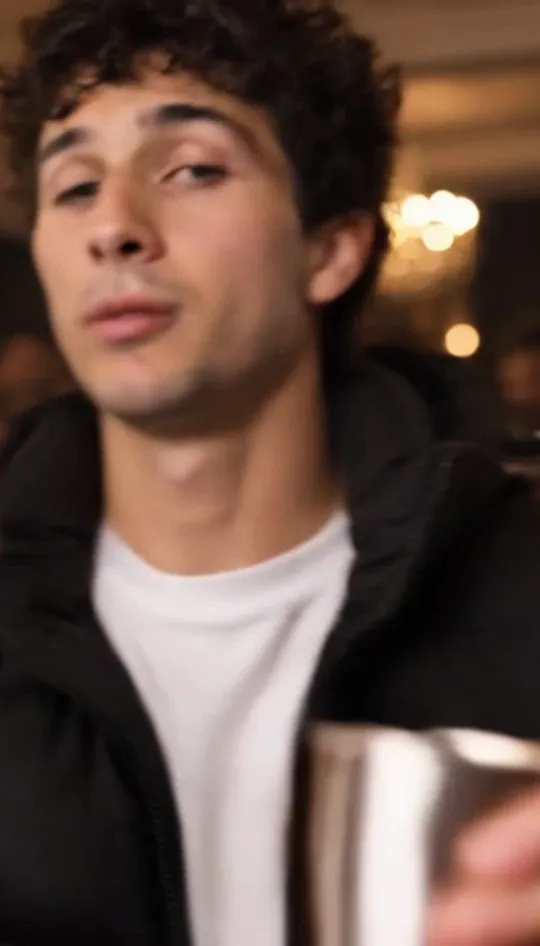 Earlier test
- AI-generated person
Rumpelstiltskin tiptoe
One photo takes the place of the little dancer in the 10-second Rumpelstiltskin tiptoe clip, in every shot: full body, face close-up and feet.
1 photo · 10 s · From $9.99
Use this trend - AI-generated person
Bulin 47 freestyle
One photo takes the place of the performer facing the camera in the 15-second Madrid street freestyle clip. Kevin Wai, the speaker and the crowd stay.
1 photo · 15 s · From $9.99
Use this trend Hotel Lobby duo
Two photos take both places in the orange-booth Hotel Lobby performance: same moves, same hanging mic.
2 photos · 15 s · From $9.99
Use this trend
FAQ
Burning Bridges AI questions
How do I make a Burning Bridges AI video?
How much is a Burning Bridges AI video?
How long does a Burning Bridges AI video take?
Can a cat or dog do the Burning Bridges AI video?
Can I use a celebrity's photo?
Does the clip include the Burning Bridges song?
Is this an official Drake tool?
Is this the Burnin' Bridges AI music band?
Make your Burning Bridges AI video
One photo in, you in the party clip. 15 seconds, from $9.99, ready in about 15–30 minutes, with one free redo.